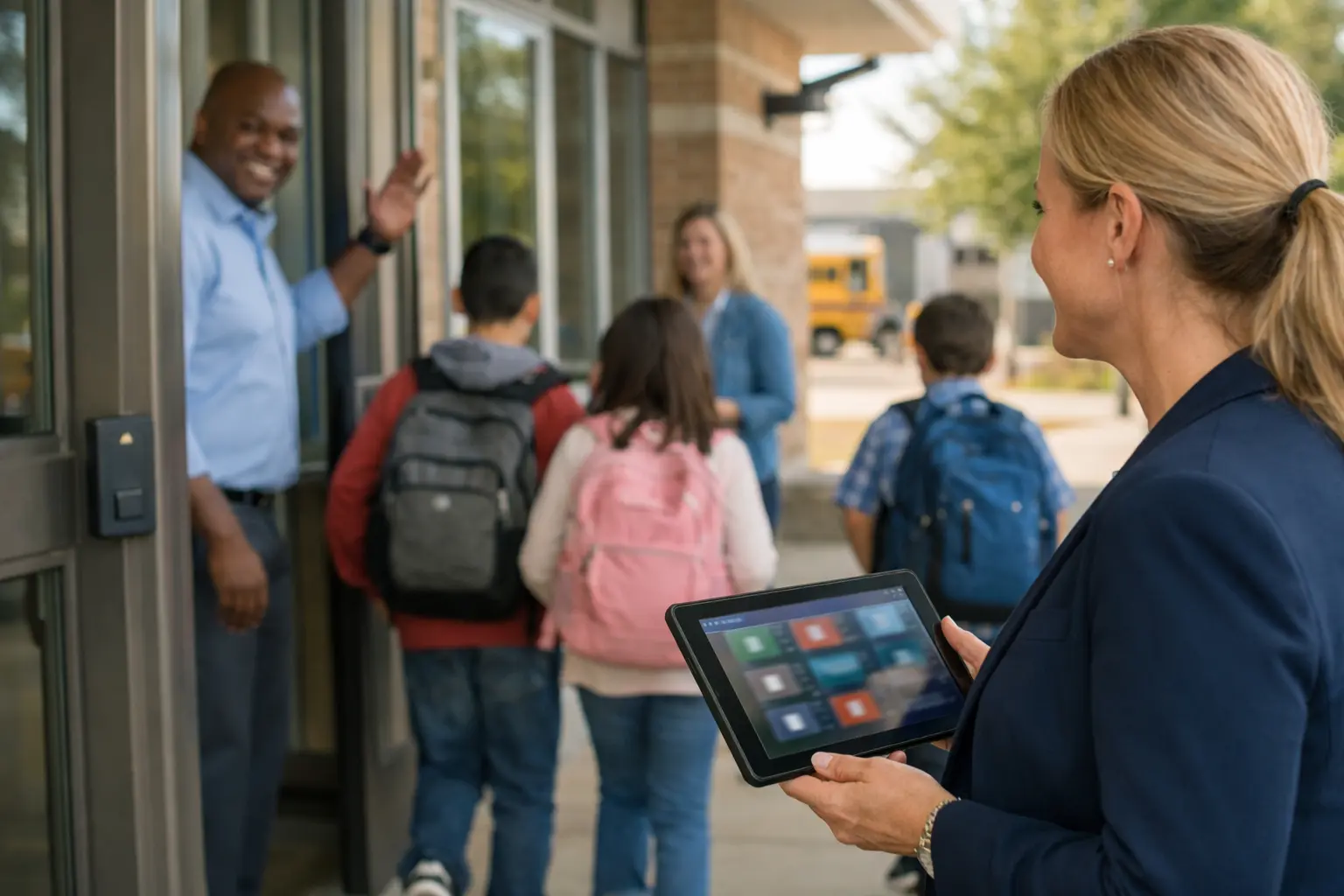
School safety teams are being asked to do more than ever: prevent the unthinkable, respond faster to everyday incidents, and protect students across both campus hallways and digital spaces, all while staffing is tight and attention is stretched. Traditional security tools like CCTV and door hardware still matter, but they were largely built to record what happened, not to recognize risk as it unfolds.
That’s where AI is starting to change the equation. Modern AI for school security uses real-time video analytics, weapons detection, and monitored digital signals to surface the moments that need human attention right now. Instead of forcing staff to watch dozens of screens or sift through endless alerts, AI can prioritize what’s urgent, attach context like video clips and location data, and help administrators, SROs, and first responders make faster, better-informed decisions.
Of course, new capability comes with new responsibility. Schools must plan for privacy, bias, false positives, and data retention, and design programs with clear policies and human-in-the-loop verification so technology supports safety without undermining trust or school climate.
This guide explains how AI for school security works, where it adds value, and how to implement it responsibly.
Takeaways
- AI for school security can detect threats faster than traditional systems by using tools like video analytics, weapons detection, and monitoring of online activity.
- AI doesn’t take the place of human staff; it helps them by sorting alerts and giving administrators, SROs, and first responders real-time context. This lets trained staff focus on making decisions and de-escalating tense situations.
- Behavior-based models, clear policies, and human-in-the-loop review processes can help with bias, privacy, data retention, and false positives.
- Schools can start by verifying the cameras and access control they already have, running pilots during the school year, involving parents and students, and comparing the results against clear safety KPIs.
Why Is AI Changing School Security Right Now?
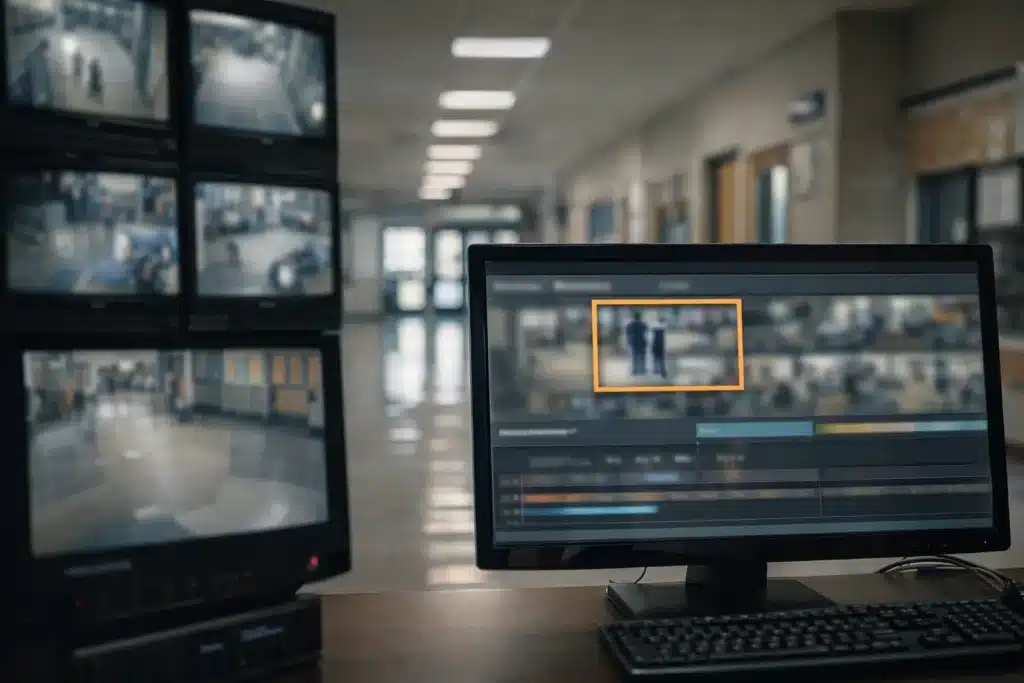
Since the Stoneman Douglas High School shooting in 2018 exposed gaps with traditional surveillance systems, school districts all over the country have been looking for better answers. A suspect with a rifle case in plain sight should have set off an immediate response, but conventional CCTV just recorded the tragedy instead of stopping it. That turning point, along with the ongoing threat of mass shootings and the urgent need for proactive prevention strategies, concerns about vaping, online threats, and staffing shortages, has led schools to make artificial intelligence a key part of campus security.
Video analytics, weapons screening, network monitoring, and incident management are just a few of the ways that AI is used to keep schools safe today. This isn’t a gimmick or a tech trend; it’s a direct response to real events and the fact that security personnel can only watch so many things at the same time.
AI surveillance systems are designed to detect potential threats and risks before they happen by scanning and analyzing video feeds for things like hidden weapons or strange behavior. Imagine an AI system spotting a student in medical trouble on an AI camera before anyone else does, finding a gun at an entrance in seconds, or letting staff know about self-harm searches on a school-owned device. These features are already in place and are actively keeping students and staff safe in schools all over the country.
What Is AI for School Security? Core Concepts and Use Cases
AI for school security is the use of machine learning and computer vision tools built into cameras, sensors, and software platforms to detect safety risks in real time. They actively analyze what they see and flag potential dangers before things escalate.
The main use cases can be put into several categories:
Weapons detection: Identifying guns and other weapons at entrances and other areas around the campus
Detecting fights and aggression: Recognizing fights and crowds of people
Medical emergency alerts: Detecting students who have fallen, had a seizure, or passed out
Unauthorized access: Flagging intruders, after-hours visitors, or suspicious vehicles
Monitoring digital safety: Scanning school devices for signs of self-harm, threats, or severe bullying
The fact that modern AI for school security connects to your school’s existing security system is what makes it so powerful. A coordinated system can connect IP cameras, access control panels, radio systems, and panic buttons. When threats are found, the system can trigger a lockdown, send out alerts, and start automated workflows.
Cloud-managed dashboards let district security, IT, and principals review alerts, video, and incident histories all in one place.
How Do AI School Security Systems Actually Work?
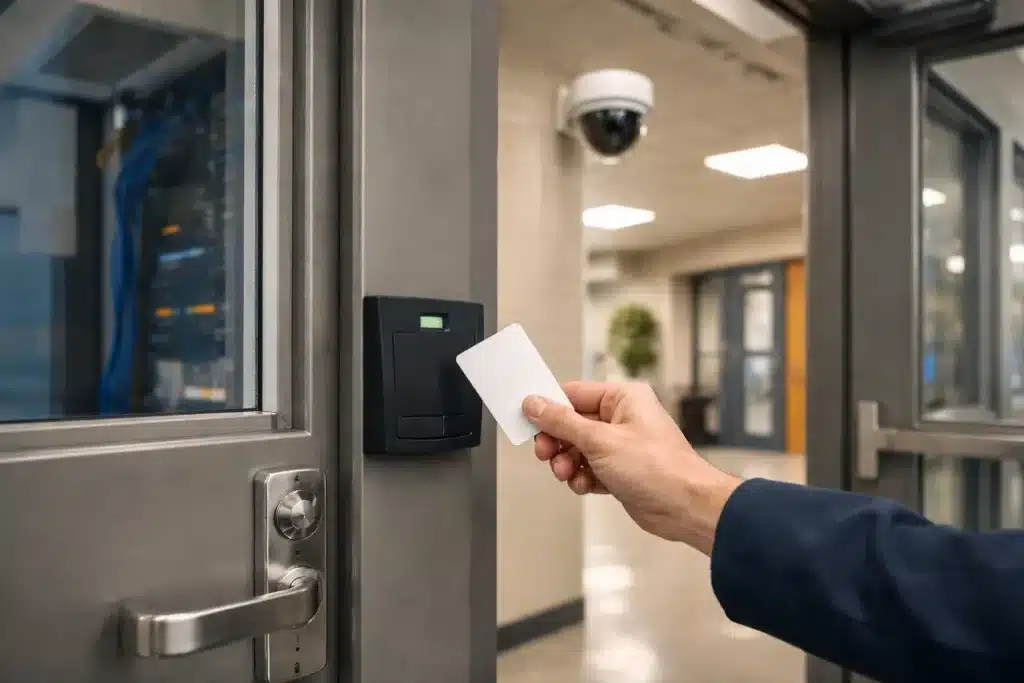
Understanding how data moves from sensors to alerts can help school administrators make better decisions about implementation. Here is how these systems turn raw data into useful information.
Data Sources
AI for school security systems use a variety of data sources, such as access control logs, visitor management systems, and IP cameras. School cameras are an important part of AI systems because they provide real-time video feeds that support advanced surveillance features like facial recognition and threat detection.
Systems Integrations
Modern AI security platforms are designed to work well with the infrastructure already in place. This makes it easy to improve security without completely changing your existing systems.
- Access control: Automatically lock doors and secure classrooms when a threat is confirmed.
- PA systems: Start automated announcements for evacuations or sheltering.
- Dispatch systems: Send live video and location data straight to first responders. Districts that share live camera feeds securely with law enforcement report shaving minutes off response times by giving responders actionable context while units are en route.
Alerting and Response
When a threat is detected, the system can send automated alerts to security personnel, start lockdown procedures, and contact local authorities, depending on how serious the incident is.
Detection Process
Computer vision models look for certain patterns in live video frames. These algorithms look for visual patterns, like shape, proportions and how an object is held, to quickly find potential threats. Detection can happen in seconds, which is much faster than any person could do while watching several screens.
It’s important to have a human-in-the-loop review here. Many districts use 24/7 monitoring centers or on-call administrators to check AI alerts in a matter of seconds. The scanned feeds can be sent to trained monitoring teams for verification. Once confirmed, it can be escalated following the district’s playbook. This balances fast automation with the judgment of trained reviewers and helps reduce false alarms and speed responses.
AI in School Security Workflows: Real-World Examples
Sonoran University of Health Sciences (Arizona)
Sonoran University layered visual gun detection on top of its existing security infrastructure and configured verification to be handled by designated on-campus staff. This highlights a model where detection is rapid, but escalation remains governed by a planned, human-verified response.
According to Paul Collins, Senior Director of IT at the university, “The initial Gun Detect installation was very straightforward and it integrated easily into our existing system.” He also adds that the daily operations are very simple. The system simply runs and does its job.
Chelsea School District (Michigan)
In early 2023, the Chelsea School District added AI visual gun detection to some of its existing interior and exterior cameras. This allows 24/7 monitoring without staff having to watch nearly 200 upgraded cameras in real time. Their workflow starts with sending an alert with images, videos, and the camera’s location for human verification. Once verified, they take the actions that have already been set up, such as notifying important people, locking doors, calling the police, and sending alerts. AI enhanced their security by turning a large, hard-to-monitor camera network into a real-time early-warning system.
AI-Powered Weapons Detection and Entry Screening
AI for school security can have the biggest effect right away at entry points like main doors, event entrances, and gatehouses. This is where worries about guns on campus meet the reality of thousands of students coming and going every day.
Standard metal detectors cause traffic jams, need extra security staff, and often go off for no reason when they detect everyday objects. AI weapons detection is a big change in how things are done.
How Does AI Weapons Detection Work?
Modern visual AI gun detection works by layering computer vision on top of the cameras that many schools already use. Instead of relying on staff to watch live feeds, the AI continuously scans video for the distinctive visual characteristics of a firearm – shape, size, and even cues like how an object is carried or presented – and flags potential threats in real time. Because it runs on standard video streams, districts can often enhance coverage without ripping and replacing their existing camera infrastructure, making deployment faster and more cost-effective.
What makes these systems usable day-to-day is speed and context. In school environments, the workflow is designed to move from detection to action quickly, often in under 10 seconds, while still keeping humans in control. The AI detects when something resembles a gun. Trained staff then check the alert before emergency procedures start. This layered approach helps reduce nuisance alerts by combining visual detection with behavioral and situational cues like movement patterns and body positioning, rather than treating every gun-shaped object as a confirmed threat.
Camera-based gun detection also adds flexibility that physical screening alone can’t match. It can be used at entrances, in hallways, and across outdoor areas. This is important because schools often have multiple access points and large exterior spaces to monitor. With AI-enabled cameras acting as early warning sensors, districts can cover wider areas without creating long lines or an airport-style experience for students, especially in younger grades.
From an implementation standpoint, the practical rollout starts with a site review of entrances, camera placement, and coverage gaps, then a pilot in a small set of high-value locations (like the main entrance and a key exterior approach).
During the pilot, teams track results such as verification speed, alert quality, and how smoothly response steps run across staff roles. The strongest programs also align technology with response automation. So, once a threat is verified, notifications and workflows can activate quickly across the district’s emergency communications and response processes, while keeping communication transparent for students, staff, and families about what the technology does (and doesn’t) do.
AI Video Analytics: From Cameras to Smart Campus Monitoring
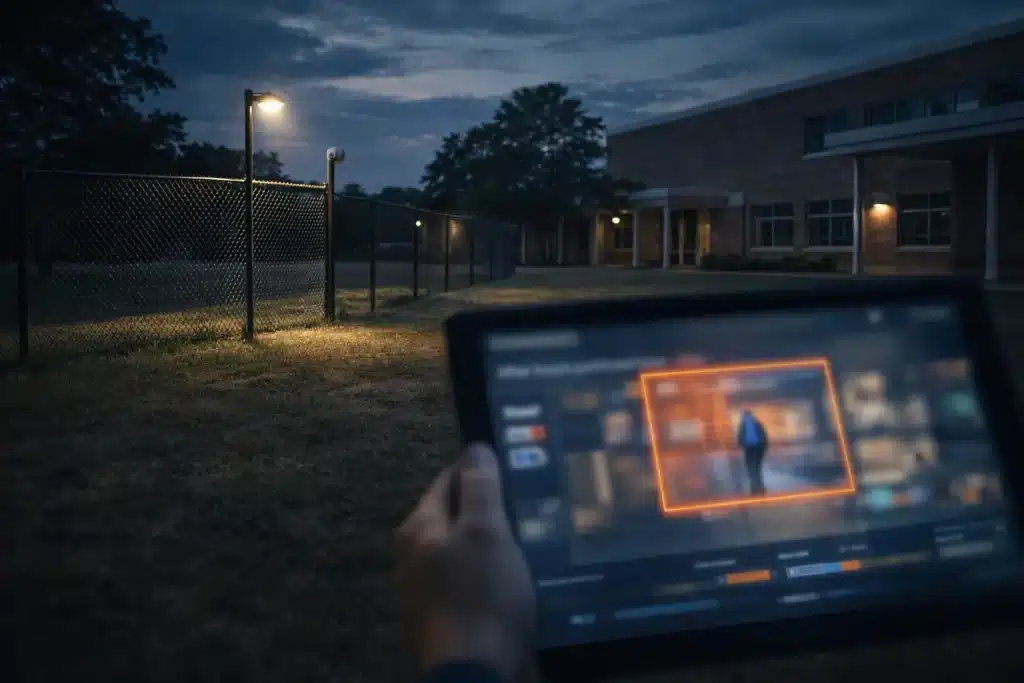
AI video analytics adds real-time detection to existing camera systems. The software automatically finds risky behaviors, suspicious objects, and strange patterns, so security staff don’t have to look at dozens of safecreens. AI technology makes current security camera systems better by turning them into proactive threat-detection tools that keep an eye on campuses at all times.
Some important analytical skills are:
- Object detection: Weapons, bags left behind, and unauthorized cars
- Behavior recognition: Fights, crowds running, loitering at exits, and crowd surges
- Safety problems: Falls, unapproved access to restricted areas like locker rooms or mechanical spaces
- Perimeter monitoring: Break-ins, after-hours access, and fence line breaches
AI sends real-time alerts with camera locations to the appropriate staff during incidents. After an event, the system enables quick searches through days of footage using natural language queries instead of manual review.
Most AI video analytics systems work with standard ONVIF-compliant or IP cameras. This lets schools use their existing security cameras instead of having to buy all new systems, which can save a lot of money and is important for public schools with tight budgets.
Support for Searchable Video and Investigations
With modern AI platforms, staff can search through archives using descriptive phrases:
- “Tuesday morning, red backpack in the north hallway.”
- “White sedan close to the entrance of the stadium.”
- “Person with hood up by the gym door after 6 p.m.”
The system can quickly find relevant clips, turning investigations that used to take hours into tasks that only take a few minutes.
This capability is important for:
- Faster resolution of investigations into vandalism, bullying, or theft
- Quicker responses to public records requests
- Less time that school administrators have to spend going through video feeds late at night
- Better use of response time for security challenges
Many systems allow safe sharing of short video clips through password-protected links. This way, schools can work together with law enforcement or share important footage with parents when needed. It helps keep privacy safe while still being open and transparent.
Digital Safety: AI Watching Over School Networks and Devices
There are now just as many safety risks online as there are in hallways. School Chromebooks, messaging apps, and cloud drives can show warning signs that physical monitoring would never see. As part of a full school safety plan, AI tools are increasingly monitoring these digital channels.
The software programs scan browsing history, search queries, documents, and chat messages on school-managed accounts. They look for:
- Thoughts of self-harm and suicidal content
- Threats to other people, including potential violence
- Bullying patterns
- Grooming by external adults
- Signs of drug use or dangerous behavior
AI can also look at a student’s internet activity on school devices to find possible safety issues. The most important difference between modern AI and older methods is that modern AI looks at context and patterns instead of just scanning for keywords. This means that a student looking into the history of school shootings for a class project isn’t flagged the same way as one who says they want to hurt someone.
When serious concerns are found, the system sends alerts to counselors, principals, or threat assessment teams with the relevant information and context for review. AI systems can also identify medical emergencies, like a student in trouble, and let staff know right away so they can respond quickly.
Balancing Digital Safety with Student Privacy
At the beginning of each school year, districts should share their clear acceptable-use and monitoring policies with families. For younger students, make sure to get any necessary permissions as required by state and federal privacy laws.
Best practices are:
- Levels of alerts: Categories of information, concern, and imminent risk
- Proportionate responses: Match the intervention to the level of severity
- Data minimization: Keep low-risk alerts for only a short time
- Access restrictions: Only certain staff members can see sensitive data
- Scope reviews: Check monitoring limits on a regular basis
Families need to know that AI is not “reading minds” or monitoring every keystroke for minor mistakes. Privacy-preserving technology looks for clear, high-risk patterns that could indicate safety issues. The program puts the health and happiness of the students first while respecting appropriate boundaries.
These tools usually only work on school-owned devices and accounts during specific school hours or monitoring windows. They don’t work on personal devices or home internet activity.
AI-Powered Medical Emergency Response on Campus
AI-powered medical emergency response is quickly becoming an important part of modern school safety plans. These high-tech systems use AI to watch for signs of medical distress in students and staff, making sure that help gets there as quickly as possible when every second counts.
AI algorithms can use existing security cameras and sensors in schools to keep an eye out for strange behaviors or events that could indicate a medical emergency. For example, a student collapsing in a hallway, suddenly losing consciousness, or moving in a way that could signal a seizure or an allergic reaction. AI-powered systems can find these events in real time, even in crowded or less supervised areas. This differs from traditional monitoring, which relies on someone noticing and reporting on an incident.
The system immediately alerts on-site security and designated first responders when it detects a possible medical emergency. It gives them exact location data and video context. This quick notification helps trained staff get to the scene faster, assess the situation, and provide critical care or call for more medical help if necessary. In many cases, these real-time alerts can mean the difference between a small problem and a life-threatening situation.
Adding AI-powered medical emergency detection to a school’s current security system not only helps make the campus safer overall, but it also supports the well-being of students and staff. The proactive approach gives security teams the tools they need to respond better and creates safer learning environments where students can concentrate on their education and personal growth with more peace of mind.
Schools are using better systems to keep everyone safe, and AI-driven medical emergency response is a valuable tool for ensuring health and security on campus.
Addressing Bias, False Positives, and Ethical Concerns
AI for school security raises questions about fairness, bias, over-surveillance, and the possibility of criminalizing normal student behavior. These worries need to be dealt with directly, not ignored.
Reducing Bias Based on Demographics
Behavior-based models that look at actions like brandishing a weapon, forcing a door, or being physically aggressive usually have less demographic bias than identity-based systems that track faces or build profiles. When AI asks, “Is that a gun?” instead of “Who is that person?” the risk of biased enforcement goes down.
Handling False Positives
False alarms happen. Some common situations are:
- Toy guns used in theater rehearsals
- Brightly colored plastic props for presentations
- Students’ roughhousing misread as fights
- Umbrellas or sports gear flagged as potential weapons
It’s very important to have human verification and policy guardrails. No AI alert should automatically trigger police action. Instead, trained staff review each serious alert before calling the police or starting a lockdown.
Governance Best Practices
AI governance should start before a system goes live. Before using the model, districts should try it out in a safe place. After that, alert data should be tracked on a regular basis to find patterns by location and student group. This will help find errors and cut down on unnecessary disruptions.
Many schools also have an advisory board made up of equity leaders, lawyers, and parents. This board helps make decisions about policies and builds trust in the community.
There should also be clear, written rules about when and how police should get involved, with a focus on checking with people and responding in a way that makes sense. Lastly, everyone who gets or acts on alerts needs ongoing training so they know how to use the tools, follow the rules, and help keep students safe.
Legal, Privacy, and Data Retention Issues
Schools must make sure that their AI security systems follow FERPA, state privacy laws, and local rules about video surveillance, biometrics, and student data.
Define and document data retention periods in a policy approved by the board. For example:
- Routine video: 30 to 90 days is typical
- Clips related to incidents: Kept longer if needed for investigations
- Alert logs: Set retention based on how bad the problem is
Security around stored data requires:
- Encryption while at rest and in transit
- Access controls based on roles
- Keeping track of who looks at sensitive incidents
- Contracts with vendors that ban the use of secondary data for advertising or training models
When making AI security policies and procurement contracts, districts should consult their own lawyers. Rules vary from state to state, and they continue to change.
Planning and Implementing an AI for School Security Program
To go from idea to deployment requires a systematic plan. Here is a step-by-step guide that superintendents and directors can use to make project plans that they can use.
Step 1: Risk and Asset Assessment
Start by documenting your current status:
- Make a list of all existing systems, such as cameras, access control, radios, and panic buttons.
- Map out camera coverage and find any blind spots, especially at entrances.
- Review incident history from the past two to three years.
- Check the current number of staff and their ability to keep an eye on things.
- Find the most important high-risk areas that need attention.
Step 2: Form a Steering Committee
Create a group with people from different departments, such as:
- Leadership in operations and facilities
- Network and IT administrators
- Building principals
- School Resource Officers
- Legal counsel
- Teacher representatives
- Parents
This group helps choose vendors, make policies, and keep an eye on things.
Step 3: Phase Implementation
To minimize disruption and build trust, districts should introduce AI security in steps. Start with a small rollout, assess the results, and expand only what works.
- Pilot (one semester): Test 1–2 capabilities in select, high-priority locations (e.g., AI video analytics at main entrances or a digital safety platform for secondary grades).
- Evaluation (1–2 months): Analyze results, gather feedback from staff and stakeholders, and refine settings, workflows, and response protocols.
- Expansion (following school year): Roll out the capabilities that performed best to additional buildings or district-wide locations.
- Optimization (ongoing): Continuously improve based on data. Review KPIs, tune sensitivity/thresholds, update procedures, and retrain staff as needed.
Step 4: Training and Protocols
Make sure everyone knows what they need to do:
- Front office staff: How to get alerts and acknowledge alerts
- Security officers: How to handle escalations and respond to them
- Administrators: How to use the dashboard and deal with incidents
- All staff: How to communicate during evacuations or lockdowns
Step 5: Define Success Metrics
Measure what counts:
- Response times to alerts
- Detection rates for known test cases
- Reduction in serious incidents
- Rates and trends of false alarms
- Changes in staff workload
- Feedback from students and parents
Review metrics every quarter to refine settings and rules.
Engaging the School Community and Building Trust
When AI tools come to campus, early and clear communication helps prevent rumors and resistance.
Steps for specific engagement:
- Information nights: Present technology, answer questions, and address concerns
- Explainer videos: Short, easy-to-understand videos for families.
- FAQ handouts: Clear documentation of what the system can and can’t do
- Student involvement: Age-appropriate discussions in assemblies
- Feedback channels: Ways for parents and students to share concerns
Be honest about limitations. AI lowers risk, but it can’t guarantee safety. These systems are not replacements for professional judgment; they are tools that people need to enhance their capabilities.
Long-term trust with the community is built by conducting annual reviews where the district publicly reports on usage statistics, improvements, concerns, and policy changes.
What Will AI for School Security Look Like in the Future? Trends Through the Late 2020s
AI for school security will change quickly until the end of the 2020s, both in what the technology can do and in the rules that govern it. It’s a good idea for districts to choose tools that will help them in the future when they make decisions. One big trend is the move toward unified safety platforms, which put all physical and digital alerts into one dashboard. This makes it easier for administrators and security teams to quickly see what’s going on in the whole district.
At the same time, edge computing is becoming more common, allowing analysis to happen directly on cameras or on-site devices to reduce latency and improve real-time performance. Schools will also see more multi-modal detection, where video, audio, and sensor inputs are combined to increase accuracy, along with predictive analytics that look for patterns that may indicate risk earlier and support intervention before situations escalate.
Policy and regulation are likely to expand in parallel. Districts should get ready for more state-level rules about how to keep an eye on students, stricter rules about bias testing and documentation, and new rules on how to report when AI is used to make disciplinary decisions. Privacy rules may also tighten, especially around how long data can be retained, who can access it, and what kinds of student information can be collected or shared. Alongside these changes, wellness integration is becoming a bigger part of safety planning
Today, advanced systems can monitor more than just weapons or intrusions. New advancements can consider signs of student well-being, such as the risk of self-harm, social isolation, bullying or harassment patterns, and engagement signals that may mean a student is having a hard time. Because of this broader focus, many school districts are being forced to make full safety plans that cover both short-term emergencies and long-term prevention.
To stay adaptable, school districts should focus on solutions that work well with their existing tools and infrastructure. They should also choose options that continue to improve over time. Additionally, write vendor contracts that make it easy to upgrade instead of locking in old features.
Each year, review your AI safety plan. Stay updated with news in education and security. Plan technology changes in stages so that you can improve without starting from scratch. The districts that get the most value treat AI for school security as an ongoing program, supported by training, governance, and continuous improvement, rather than a one-time purchase.
Conclusion
AI is reshaping school security because it finally gives districts something traditional that tools never could: real-time awareness at scale. When video feeds, entry screening, and digital safety signals are analyzed instantly, schools can move from “reviewing what happened” to “intervening before it escalates.” That shift matters for the most serious threats – like weapons on campus – but it also improves everyday safety by surfacing fights, intrusions, medical emergencies, and signs of self-harm faster than a human team can detect on its own.
Still, the strongest outcomes come from treating AI for school security as a force multiplier, not an autopilot. Districts that work well pair automation with clear rules, human verification, and ongoing oversight to cut down on false positives, keep privacy safe, and keep the school climate friendly. They start with pilots, measure performance against set KPIs, train staff on how to respond, and talk openly with families and students so that the community knows what the system does and what it doesn’t do.
In the end, the goal is not to make the campus a place where there is a lot of surveillance. It is to create a safer, more confident place to learn where staff can respond quickly, students can focus on school, and safety teams can spend less time watching screens and more time making smart choices when it matters. AI can help schools avoid harm, respond faster, and build trust before, during, and after an incident.
Frequently Asked Questions (FAQs)
Does AI for school security replace the need for human security staff or School Resource Officers?
AI doesn’t take the place of human workers; it makes them more effective. SROs, administrators, and school security staff are still needed to make decisions, calm things down, build relationships with students, and respond to situations in real time – things that AI can’t do. Districts should plan both staffing and AI investments at the same time. This will help ensure that new technology is embedded in clear roles, responsibilities, and incident response plans. The layered approach uses both human expertise and technology.
How much does it typically cost to add AI to an existing school security system?
Costs can vary greatly, but they usually include software licenses for each camera or student, potentially new hardware like weapons detection gateways, and fees for installation and training. Smaller districts might start with targeted pilots that cost tens of thousands of dollars, while larger deployments across multiple campuses can cost six or seven figures over several years. The good news is that most modern AI platforms work with security cameras that are already in place, so you don’t have to buy new ones. Think about the total cost of ownership, which includes maintenance and support, as well as the long-term savings that come from fewer incidents and more efficient operations. Many vendors offer pilot programs that let districts see how well their products work before they buy them.
Can AI for school security systems operate without using facial recognition?
Yes. Many successful AI for school security systems don’t use facial recognition at all. Instead, they look at behavior, objects, and access control data to find possible safety issues without tracking people’s identities. This method greatly reduces worries about privacy and bias. When facial recognition is used, like to warn about banned visitors, districts should treat it as an optional, highly regulated feature with strict rules and supervision. Before you turn on any identity-based analytics, think carefully about how the community feels and what the law says. Detection based on behavior is often better because it catches other threats, no matter who the person is.
What happens when the AI gets something wrong, like mistaking a toy for a weapon?
Verification by a human is part of the standard workflow. When AI sees a possible weapon, it sends an alert with context – video clip, location, confidence score – to trained staff who quickly check to see if the object is a real threat before taking more action. Over time, configuration, staff training, and vendor tuning based on local data can cut down on false alarms. Schools should document and review false positives on a regular basis. They should use these to improve system settings and communication procedures. The goal is a proactive approach that catches real threats while minimizing disruption from false alarms.
How can schools ensure AI security tools do not negatively impact school climate or make students feel constantly watched?
Place hardware in a way that isn’t intrusive and have open talks about why the tools are there and how the data is used. Involve student councils and parent groups to review policies, signs, and communications to make sure they reflect the values of the community and are appropriate for the age group. Link AI tools with positive efforts like mental health support, restorative practices, and personal growth programs. This way, security is seen as part of a larger commitment to student well-being, not just a way to control them. When students know these systems exist to protect them during medical emergencies, spot intruders, and prevent violence, they are more likely to accept them. Being open about what isn’t being watched (personal devices, activities off campus) also helps build trust.