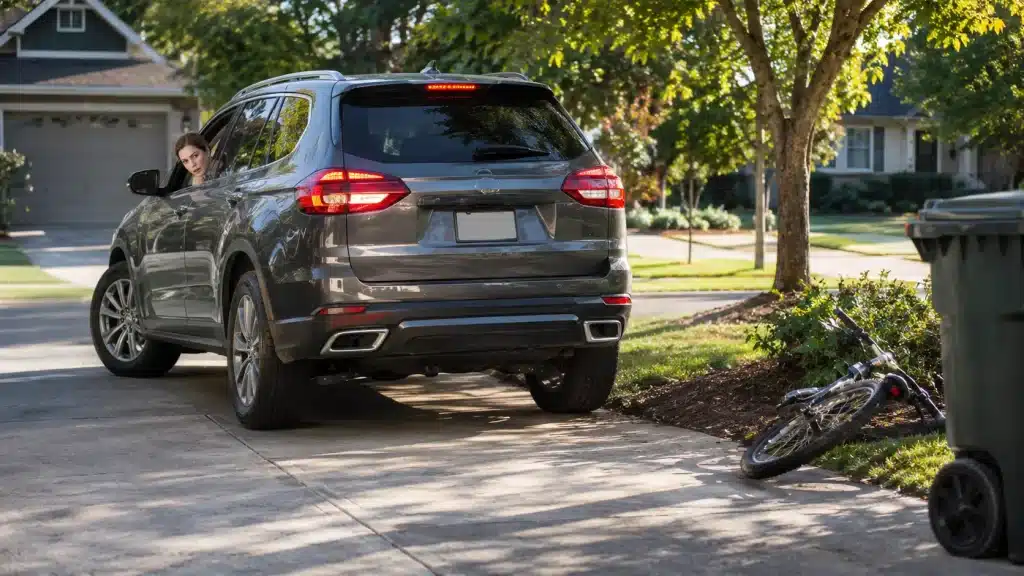
Someone is backing out of their driveway when their car’s camera system detects an obstacle… maybe a bike on the ground or a trash can. A warning pops up on the dashboard, alerting the driver to stop. In the backseat, their child unlocks their tablet with their face. For both, computer vision is working behind the scenes.
Computer vision is a field of artificial intelligence. It helps to identify objects in photos and videos and present users with actionable information. In today’s highly technological world, you can find it everywhere.
But how does it work? How can seemingly average footage from a camera be analyzed in real time by anything other than a person? In this article, we’ll take a look into how computer vision operates, the processes involved and some of its most notable applications today.
Key Takeaways
- Computer vision enables machines to interpret and understand visual data using algorithms and deep learning from existing CCTV and video surveillance technology.
- Use cases leveraging computer vision span many markets, from security and healthcare to automotive and academia.
- At the heart of computer vision systems are deep learning models such as Convolutional Neural Networks (CNNs) and real-time object detection. These are used to process data efficiently and recognize objects accurately.
- While computer vision has driven the development of many innovative technologies, including life-saving capabilities such as visual AI gun detection, there are still ethical concerns and data privacy issues that need to be addressed.
What Is Computer Vision
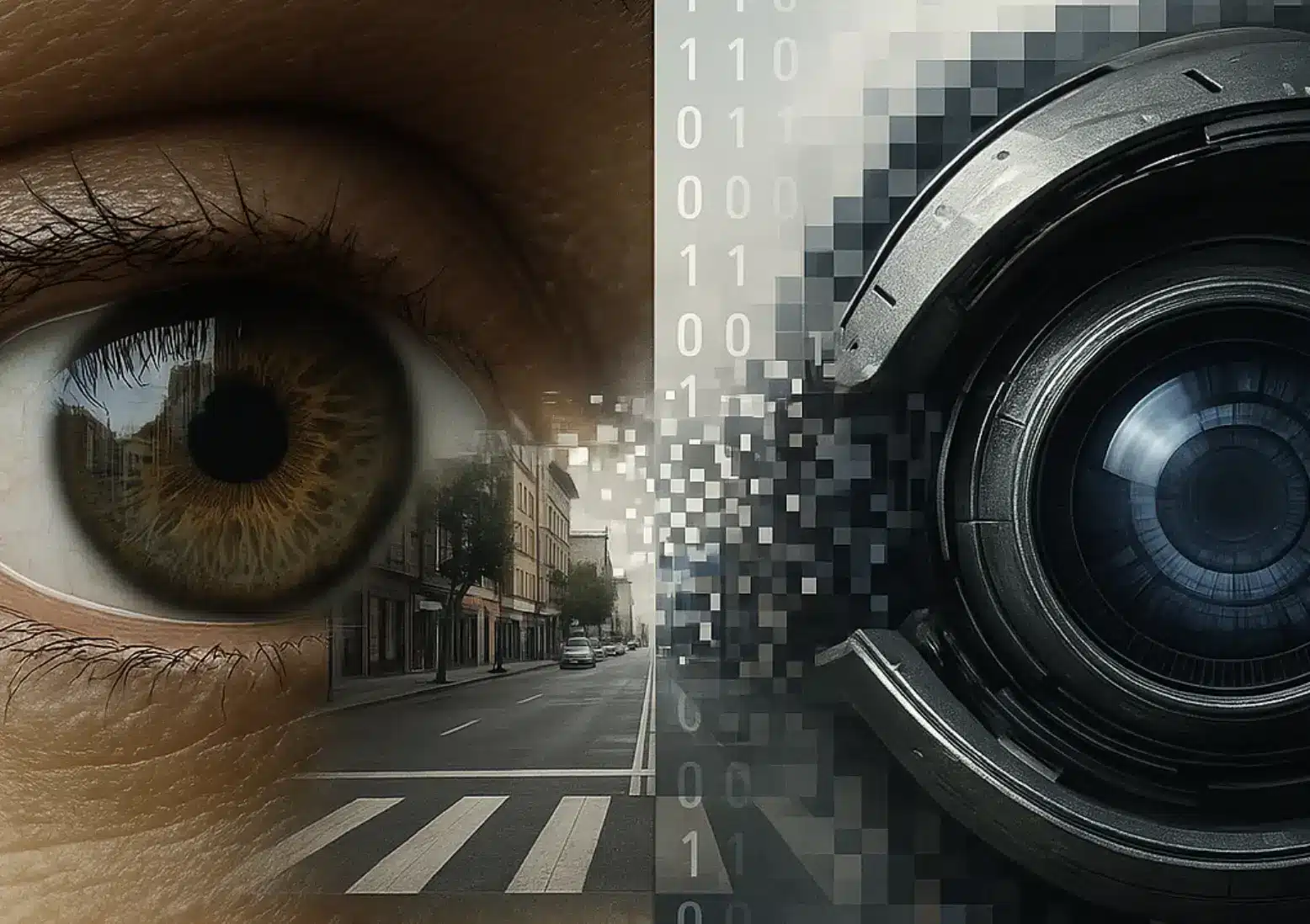
In 2026, cameras are everywhere. Yes, they’re used by organizations to watch over their facilities, but they’re also carried around by almost everyone who owns a cell phone. They’re built into cars and laptops, have been brought into smart doorbell systems and can be worn on people’s bodies.
But not all cameras are made the same. The main difference between an everyday camera and one with a computer vision setup is what happens after you’ve taken a picture or captured video. While a more conventional camera just records what it sees, technologies that use computer vision software can go a step further, looking for specific objects or patterns in that footage.
The Evolution of Computer Vision
Researchers began exploring ways for computers to interpret images decades before computer vision became as available as it is today.
Early approaches were heavily reliant on manually designed algorithms to identify features like edges, shapes and patterns. Over the 1960s–80s, this work on image processing laid the groundwork for the computer vision we use today.
Machine learning became a game-changer as computing power improved. It began allowing us to train tools using examples, rather than relying entirely on predefined rules.
Deep learning brought another major shift, particularly in the 2010s; the success of neural network architectures demonstrated how models trained on large image datasets could achieve significant improvements in image recognition. More recent developments in Vision Transformers and other AI architectures have expanded the range of tasks systems can perform. These include generating descriptions of images, analyzing more complex visual scenes, recognizing objects and reading printed text in real time.
How Does Computer Vision Work?
Computers interpret images differently from how humans do. For one, they rely on mathematical models that have been trained to find visual patterns; by learning from examples, they can recognize objects and features in images they haven’t seen before.
So, how does a computer turn a picture into something it can work with? It starts with the image itself. From there, the technology processes the visual information and looks for patterns it has been trained to recognize. The specifics can vary a bit, but many applications follow a three-step process:
- Image capture: Cameras, sensors or other imaging devices collect the information that the system needs to work. This might be a single photo, a medical scan or a continuous video feed from a security camera.
- Preprocessing: The images may be resized, normalized or adjusted to make them ready for analysis. Depending on the application, this can include reducing noise, correcting lighting or enhancing certain image features.
- Analysis: Machine learning models or other algorithms examine the processed images to identify objects, classify information or detect patterns. The results can then be used to generate alerts, support decisions or trigger other actions.
A self-driving car is a great example of how this works. Cameras capture the road around the car and computer vision models look at that footage to identify pedestrians, traffic signs, lane markings and all the other vehicles on the road. That information can then be used alongside data from other sensors to help the vehicle’s driving system respond to its surroundings.
The models and techniques used will depend on what a system is designed to recognize, but the same basic process applies to many other applications.
Processing and Feature Extraction
Before a computer can identify what’s in an image, it needs to analyze the visual information.
Image processing involves editing or adjusting digital images to make them easier to work with. This could mean adjusting brightness, reducing noise, sharpening details or separating out different regions of an image.
Feature extraction focuses on identifying any useful characteristics in an image. This includes edges, corners, textures and shapes. Earlier computer vision systems often depended on rules and methods designed by programmers to extract these features; deep learning models changed that by allowing models to learn visual patterns from large collections of images.
Deep Learning and Neural Networks
Convolutional Neural Networks (CNNs) are one type of model commonly used for image analysis that learn to identify features such as edges, shapes and textures, and then combine that information to recognize more complex objects. Other approaches, including Vision Transformers (ViTs), use different methods to analyze relationships within images for tasks like image classification, object detection and captioning.
Training a model to recognize an object isn’t just a matter of showing it thousands of pictures of that object. Those pictures need variety. An item may look very different at night than it does in bright sunlight, and a camera mounted above a road sees something different from one positioned at street level.
If those situations aren’t well represented in the training data, the model may struggle when it encounters them in the real world.
Object Detection and Image Segmentation
Computer vision can do more than just tell you what is in an image. It can also determine where objects are located and how they relate to their surroundings using different techniques.
- Image classification: Identifies the main category or subject of an image (ex., determining whether a photograph contains a dog or a cat).
- Semantic segmentation: Assigns a category to individual pixels, helping distinguish different things (i.e., roads, buildings or vegetation).
- Instance segmentation: Identifies and outlines the boundaries of individual objects in an image.
- Panoptic segmentation: Combines semantic and instance segmentation to provide a more detailed understanding of the different objects and regions within a scene.
- Object detection: Identifies and locates specific objects within an image, often using bounding boxes to show where they appear.
YOLO, short for “You Only Look Once,” is a well-known family of object detection models. It’s useful for applications that need to analyze video in near real time because it’s designed to locate multiple objects in an image quickly. Ultimately, though, the technique used depends on the task. A tool checking whether a product has a manufacturing defect may need detailed image segmentation, while a security application looking for a particular object may rely on object detection.
Real-World Applications of Computer Vision
Some of the most interesting uses of computer vision have little in common on the surface. A factory checking products for defects, a retailer monitoring inventory and a pair of smart glasses describing someone’s surroundings all rely on the same underlying idea: using visual information to complete a task.
Security Systems
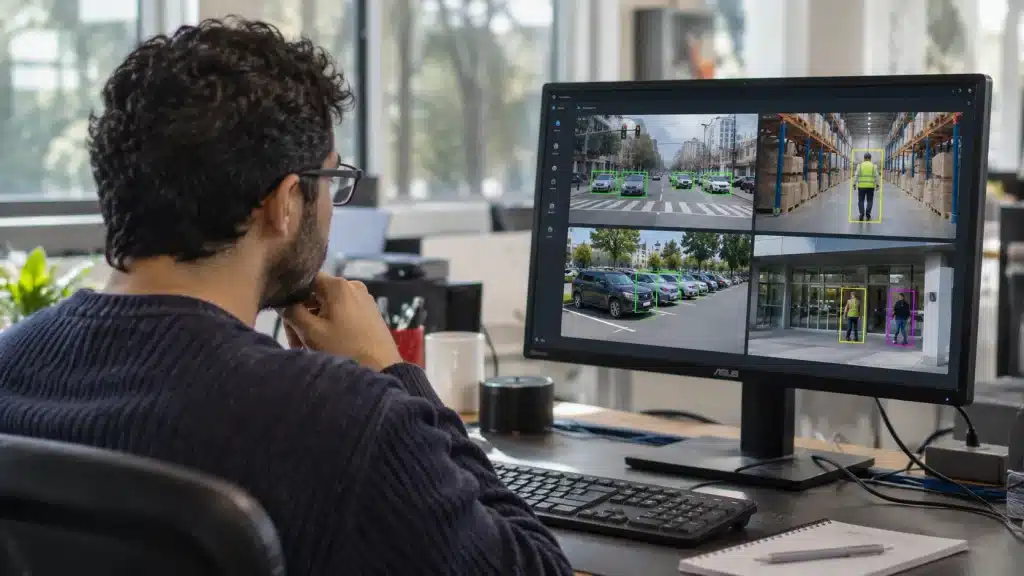
Security cameras generate a lot of video, but most security teams can’t realistically watch every feed all of the time. Computer vision can help by automatically analyzing the footage and flagging particular objects or events that may need attention.
Different systems are intended for different purposes. Some are used to identify people by their faces; others detect objects, monitor restricted areas or flag potential security threats.
Visual gun detection uses the technology to detect visible guns in the live footage of compatible security cameras. When a possible firearm is detected, the system can alert designated personnel, such as a security officer or SOC operator, for review.
Medical Imaging and Healthcare
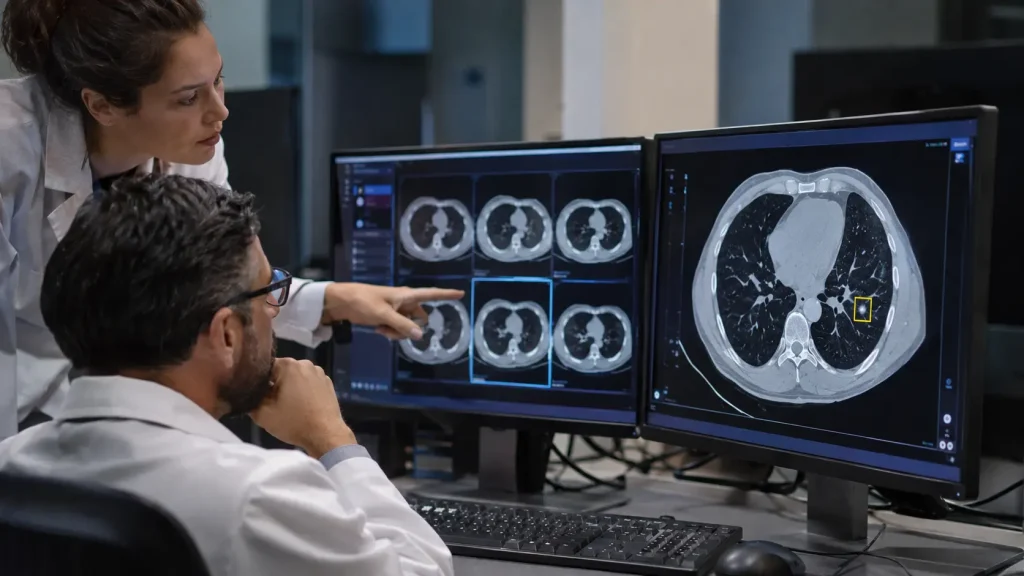
Doctors regularly deal with complicated medical scans. Today, systems using computer vision can assist them in analyzing these images, identifying features that may be difficult or time-consuming to evaluate manually.
Some computer vision systems can flag suspicious areas in X-rays, CT scans and MRIs for a radiologist to examine more closely, and others can help measure anatomical features, compare images over time or spot changes that might indicate disease progression. Researchers in the medical field are even experimenting with using the technology in more hands-on tasks (i.e. in surgical assistance, patient monitoring, hospital operations, etc.).
Generally, the use of these tools is intended to support medical professionals—not replace their judgment. How useful they are depends on the particular application and how well the technology has been tested and validated.
Autonomous Vehicles
Computer vision plays an important role in self-driving cars and driver assistance technologies. It helps them spot (and understand) pedestrians, traffic signs, lane markings and other obstacles. The vehicle’s driving system uses this information and other sensor data to respond to its surroundings and make decisions about steering and stopping.
This technology can also provide real-time traffic monitoring of road conditions, traffic patterns and potential roadblocks. This helps to make navigation smoother and driving decisions safer.
Quality Control in Manufacturing
On a production line, even a small defect can mean a product needs to be pulled before it reaches a customer. A missing component, a scratch or a part fitted incorrectly might be easy to spot on one item, but checking thousands of products is another matter.
Rather than relying entirely on manual inspections, manufacturers can use cameras to check products as they move along the line. Software examines the images for missing components, scratches, or anything else that doesn’t match the expected appearance.
Similar technology is used to check machinery for visible wear, damage or components that have shifted out of position.
Smart Glasses and Accessibility
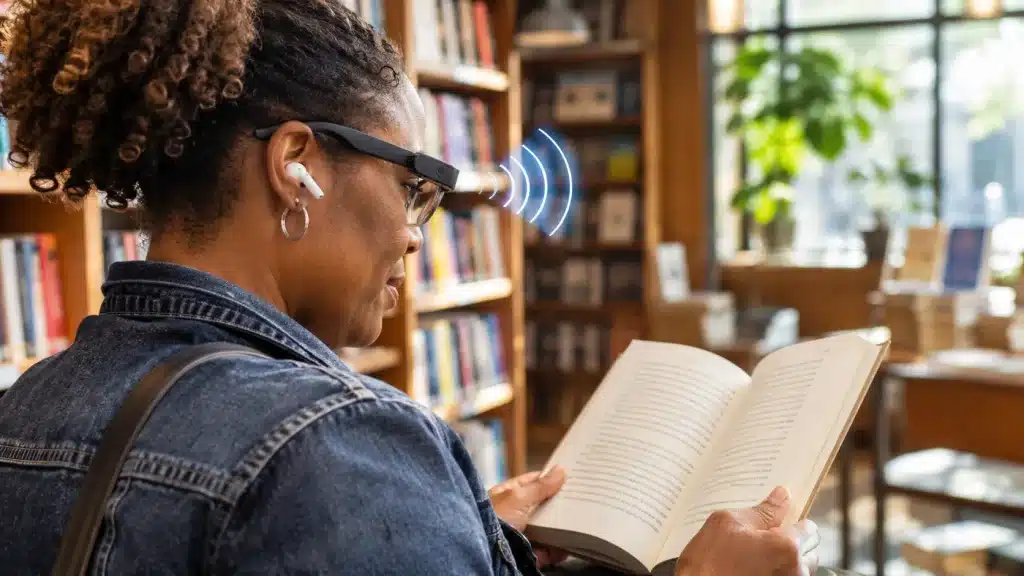
More recently, computer vision has been used to help people with vision loss or blindness navigate everyday life more easily.
Smart glasses like Meta’s Ray-Bans or Envision Glasses pair a built-in camera with AI that can interpret visual information and give wearers a spoken report. Depending on what features are available, users can ask the glasses to describe objects, read text, or identify things in front of them.
This means that someone might use the glasses to read a menu, identify a product on a shelf or get a description of an unfamiliar environment. However, AI-generated descriptions can still be inaccurate, so they shouldn’t be relied on as the sole source of information in safety-critical situations.
Retail and Inventory Management
Retailers are using computer vision for all sorts of tasks — from keeping an eye on inventory to seeing how customers move through stores.
An empty shelf or misplaced product might go unnoticed during a busy shift. Computer vision can flag these issues so employees know where to look. The same base technology can also be used to analyze foot traffic; this helps retailers figure out which areas attract the most visitors and where bottlenecks tend to form. Some stores have even incorporated computer vision into automated shopping systems that help monitor items that customers put in their carts and make paying hands-free.
Tracking customer movement, while embraced by some, raises some privacy questions, particularly around how footage and behavioral data are collected and stored.
Augmented Reality
Augmented reality (AR) combines digital content with a view of the physical world. Computer vision helps these systems understand the environment so that virtual objects can appear in the correct position.
Putting this into perspective, many furniture shopping apps now have features that let you see how a new sofa or table would look in your home using your phone camera. The app analyzes the video stream and uses the floor and walls to determine where to “place” the furniture. Even as the user moves their device, the system updates the object’s position to keep it aligned with the surroundings.
Privacy, Ethical and Practical Considerations
Privacy and Ethical Concerns About Computer Vision Systems
Some systems can analyze images containing people, personal belongings and other potentially sensitive information, and how that information is gathered, processed and stored raises important questions of privacy.
The concerns vary depending on the application. Facial recognition systems are commonly a source of concern for the public. This is because they often involve analyzing biometric information and may store facial templates or other identifying data, depending on how they’re designed and used. Security monitoring systems typically trigger questions about who can access footage and how decisions are made surrounding alerts from that footage.
Before deploying systems that use computer vision, organizations need to understand exactly what information the system collects, who can access it and how that information will be handled.
- Data collection and retention: What kind of visual information do we actually need to be collecting? How long do we need to hang onto that data and when are we going to delete it?
- Privacy and consent: Understand privacy expectations and requirements. Policies should be developed for informing people about how the system is used.
- Accuracy and bias: How reliable is the system? Does it do what it’s supposed to do in different situations and environments? And what sort of problems might it have with accuracy or bias?
- Human oversight: What are the procedures for reviewing automated results? This is especially important if the system will be used to make major security, medical or operational decisions.
- Data security: Protect collected information through appropriate access controls, cybersecurity measures and secure data handling.
Practical Tips for Using Camera Vision
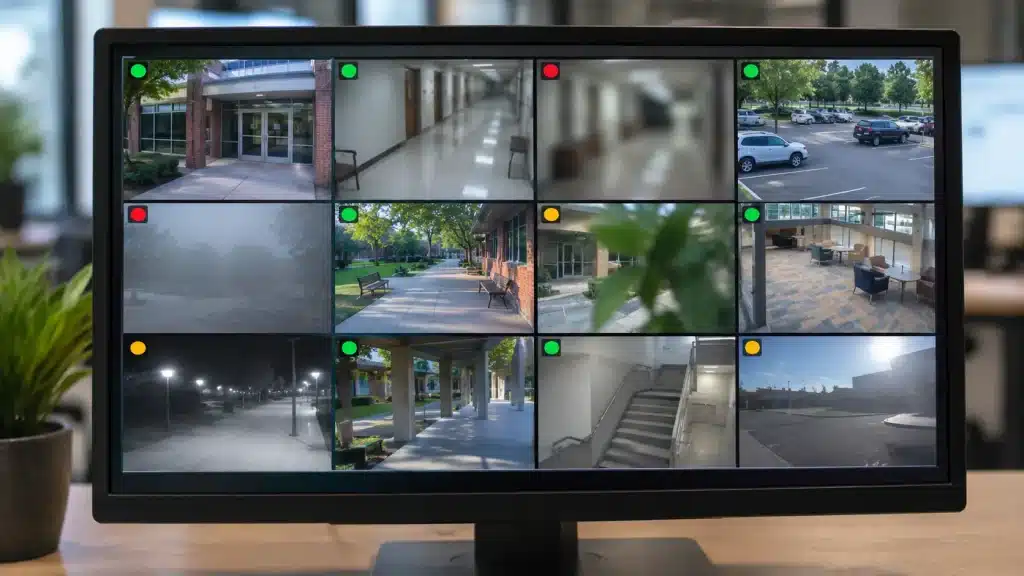
In any context, computer vision is most effective when it has clear imagery to work with. When it comes to efficacy, not every use case carries the same weight. A dirty front-facing camera may prevent someone from unlocking their phone, but that can easily be fixed and won’t have any serious ramifications. A blocked camera on a self-driving car or an AI-enhanced security camera that’s been turned upside down, on the other hand, may have more serious outcomes.
A system’s performance, especially in security, depends on factors like camera placement, image quality, lighting and the conditions in which the system operates. A camera might provide a clear view of a building entrance during the day but struggle with glare in the late afternoon or poor lighting overnight.
With that in mind, Omnilert created Camera Health Monitoring. The tool automates regular checks on configured surveillance cameras to make sure they’re up and usable. When an issue is found, it gives security teams actionable information about any cameras in their system that need attention.
Camera health is just one factor that can impact how reliably a system performs in a real security environment. Another important thing to consider is training data quality.
Conclusion: Understanding the Expanding Role of Computer Vision
Often without us realizing it, computer vision has become part of many systems we use every day. Its capabilities are growing every day, but it’s important to note that recognizing an object in an image isn’t quite the same as understanding everything happening around it. And some use cases are more high-stakes than others.
For organizations considering security tools that use computer vision, it’s worth looking closely at how a system performs under real-world conditions and how it fits into existing response procedures. Limitations and capabilities matter tremendously.
Learn more about how Omnilert’s AI gun detection technology uses computer vision to help teams identify potential firearms using compatible security cameras, and why we prioritize high-quality data for our detection models..
Frequently Asked Questions
What are some common applications of computer vision?
Computer vision is used in security systems, medical imaging, autonomous vehicles, manufacturing, retail, accessibility tools and augmented reality. It helps with everything from spotting defects on production lines to recognizing pedestrians on roads and detecting visible firearms in security camera footage.
What are the biggest challenges facing computer vision?
Like human eyes, computer vision only has awareness of what it can “see.” Computer vision systems can struggle when there’s poor lighting, obstructed views, unfamiliar environments and differences between training data and real-world conditions. Because of this, when the technology is used to make or support consequential decisions, it’s especially important to include human oversight.
What is the difference between computer vision and image recognition?
Image recognition is an application of computer vision. It focuses on identifying and classifying objects, people or other features in an image. Computer vision is the broader field of AI that includes image recognition, alongside object detection, image segmentation, motion tracking and scene analysis.
Can computer vision work in real time?
Yes, many computer vision systems can analyze images and video in real time or near-real time. It depends on the application and available processing power. Autonomous vehicles, for example, use it for recognizing pedestrians, road signs and obstacles in their surrounding areas. Tools like visual gun detection systems use it to proactively look for certain threats on security cameras.
How accurate is computer vision?
The accuracy of computer vision depends on a few things: the task, the technology being used and the conditions in which it operates. Factors like poor lighting, obstructed views, and camera angles can affect performance. So can differences between training data and real-world environments; a system that performs well in controlled testing might have challenges when deployed in new settings.